After a while googling for making a list of lastest posts in Jekyll, I finally found the solution. Simply add this code to any page you want the list to appear.

<ul class="posts">
	{% for post in site.posts limit:20 %}
	   <li>
		   <span>{{ post.date | date_to_string }}</span> &raquo;
		   <a href="{{ BASE_PATH }}{{ post.url }}">
		   {{ post.title }}</a>
	   </li>
	{% endfor %}
</ul>
Read more
Conkeror - Display Tab bar

Note: for those of you who don’t know what Conkeror is, please read this post Conkeror and How it changed the way I surf the web. If you don’t know about the conkeror rc file, please read this post Conkeror Getting Started

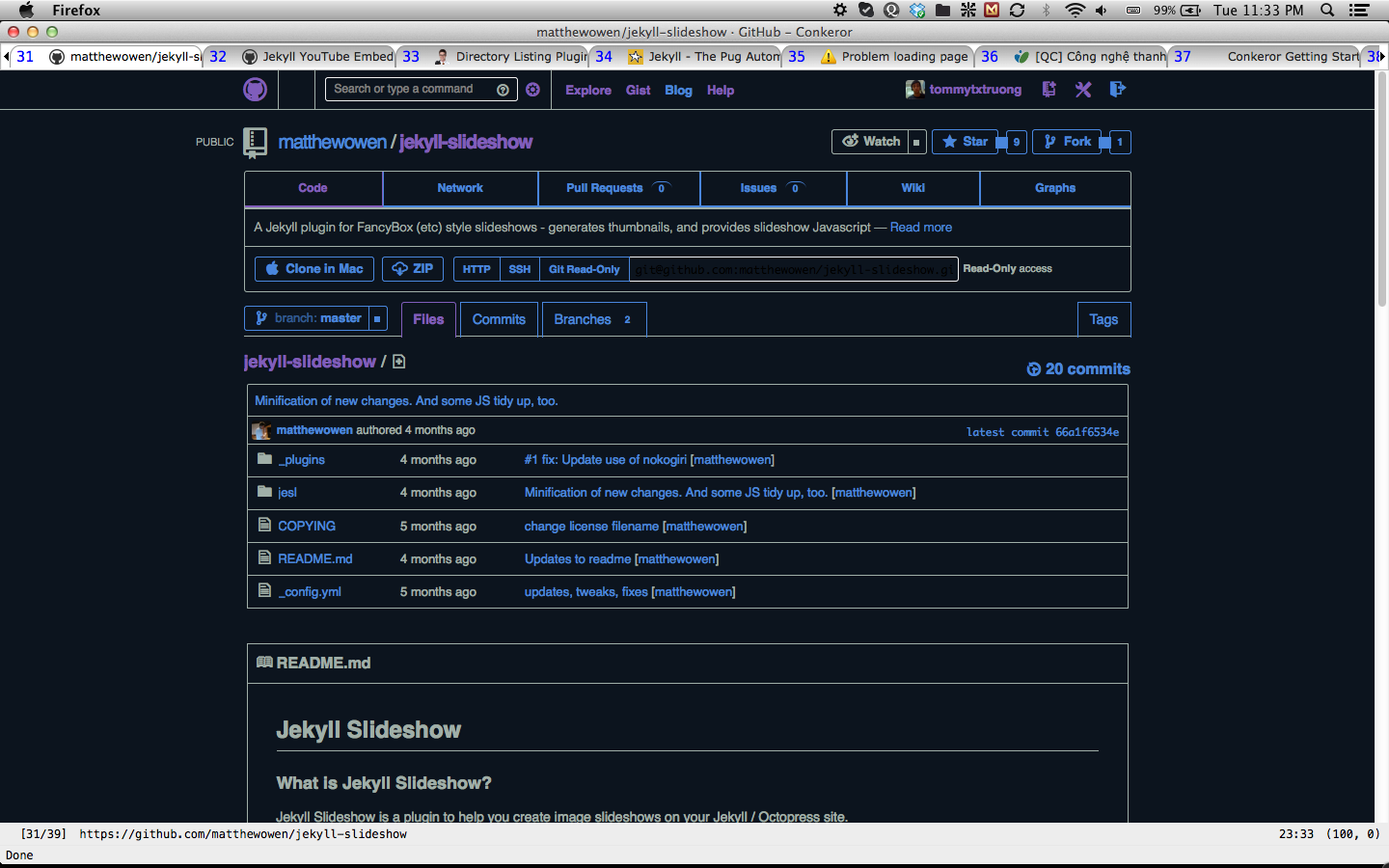
If this is the first time you’ve been to Conkeror, you will find it a bit difficult to approach. It does not have the full GUI like the other browsers. Everytime you want to switch to the other buffer, you have to type C-x b, which is very hard for you to imagine which and how many web pages are currently opened. In this post, I’ll show you how to make Conkeror display the tab bar.

Conkeror Tab bar

Read more

Learn Conkeror by using Conkeror ;)

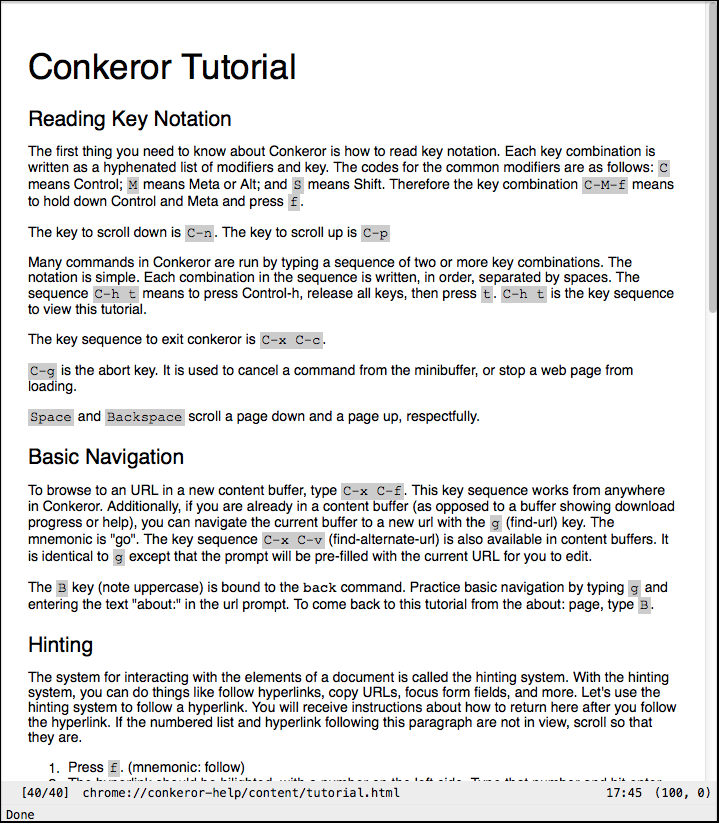
The first time you open Conkeror, it will show you the tutorial. It is the basic thing you need to know to use Conkeror. Moreover, in Conkeror, you can even view all the lists of functions, key bindings, what this key combination do,… So if you get stuck, just open them. Here I will show you how.

Conkeror Tutorial

Read more

Note: before you read, I just want to remind you that Conkeror is not for newbie or non-IT users. It might take you a lot of time to get used to it. So if you are not programmers, please close this article and go back. But once you got used to it, you will feel extremely comfortable and get your work done faster.
Again, if you are not really interested in, read this article Conkeror and how it changed the way I surf the web to be convinced or just leave this page. Don’t just try and give up early and blame me on wasting your time :LOL:.
If you interested in, let’s go!

Read more

For those of you who haven’t known about Conkeror yet, here is a brief description about it:

Conkeror is a keyboard-oriented, highly-customizable, highly-extensible web browser based on Mozilla XULRunner, written mainly in JavaScript, and inspired by exceptional software such as Emacs and vi. Conkeror features a sophisticated keyboard system, allowing users to run commands and interact with content in powerful and novel ways. It is self-documenting, featuring a powerful interactive help system.

The first time I heard about conkeror was in 2010. And now it becomes my daily used application. Though I still use many other web browsers (Chrome, Firefox, Safari and Opera), Conkeror is my main web browser and usually the first app I open when I start my computer. Here are some key features that make me really impressed in Conkeror.

Read more